Install JS Jobs
Get a working job board on your Joomla site with the free version. Upload one zip, set a few options, and employers can post jobs.
- A Joomla 4, 5 or 6 site, and an administrator login for it.
- Already bought Pro? Install the free version first, then upgrade to Pro on the same site.
Download JS Jobs
Download the zip from the JS Jobs Free page. It is also listed on the Joomla Extensions Directory. Keep the file zipped.
Upload it in Joomla
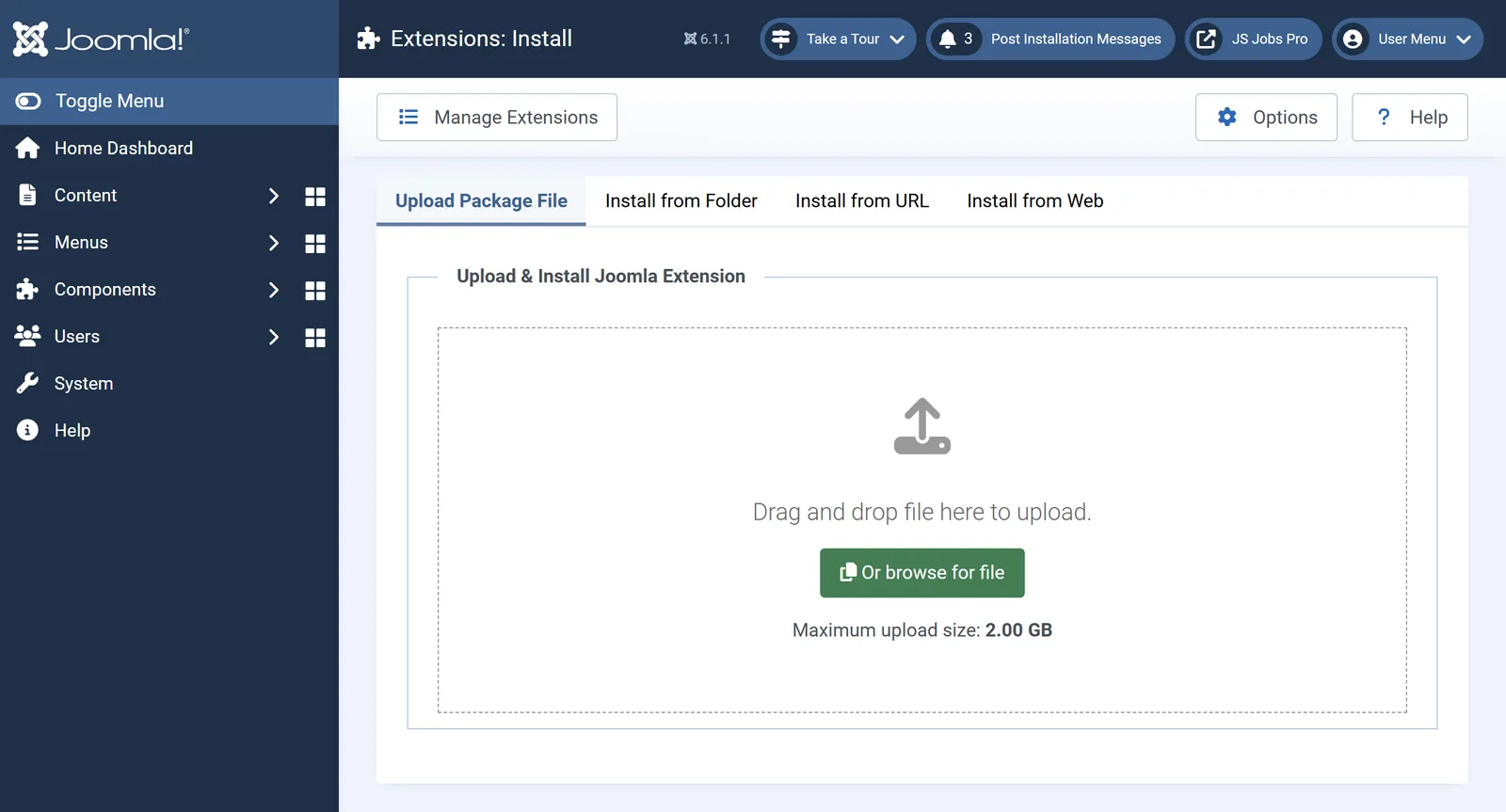
In your Joomla administrator, go to System›Install›Extensions. On the Upload Package File tab, drop the zip in the box or click Or browse for file.

Joomla’s Extensions: Install screen. The same screen in Joomla 4, 5 and 6. Set up your board
Open Components›JS Jobs›Configurations. Set your site title and date format, then what employers and job seekers can do: who may post jobs, whether visitors can apply, and which emails go out.
Add the board to your menu
In Menus›Main Menu›Add New Menu Item, choose a JS Jobs menu item type, such as the job list or the employer and job seeker control panels, and save. Your visitors now see the board on your site.
Next
Need paid listings, resume search for employers or the payment gateways? Upgrade to Pro on the same site. Your jobs, companies and resumes stay.