Upgrade JS Support Ticket to Pro
Your free help desk becomes Pro where it is. Paste your activation key in the Pro Installer and it adds every Pro feature and add-on. Your tickets, staff and settings stay.
- JS Support Ticket installed on the site. Not yet? Install the free version first.
- Your activation key, from your order page or the order email. Where to find it.
- A fresh backup of your site. The upgrade keeps your data, and a backup is good practice before any install.
Buy JS Support Ticket Pro and copy your key
Choose a plan on the JS Support Ticket page. As soon as the payment goes through, your order page shows the activation key with a Copy button. The same key is in your order email.
Open the Pro Installer
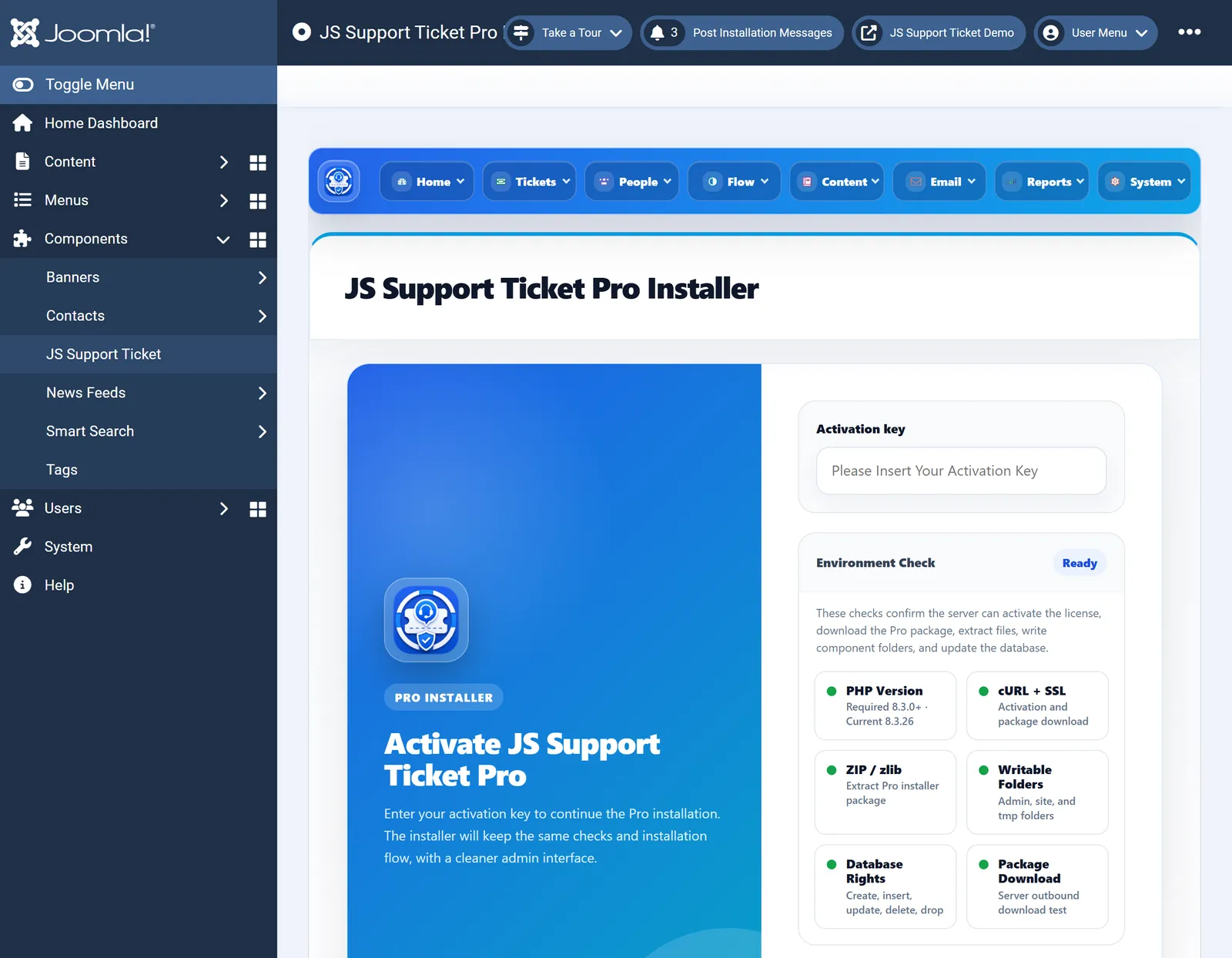
In your Joomla administrator, go to Components›JS Support Ticket›Home›Update. The Pro Installer checks your server first: PHP, cURL, ZIP, folder permissions, database rights and package download. Each check should show green.

The JS Support Ticket Pro Installer: your key on the right, under it the server checks. Paste your key
Paste the activation key and continue. When the key is accepted, the installer lists the Pro versions you can install.
Choose the version and install
Choose the newest version and start the install. The installer downloads the Pro package and installs it over the free version. Keep the window open until it finishes.
You are on Pro
The installer confirms with Thanks for installing JS Ticket Pro. Click Start using. Your tickets, staff, departments and settings are where you left them.
If a check is not green
- PHP, cURL, SSL or ZIP. Your host can switch on the PHP extension the check names.
- Writable folders. Joomla must be able to write to the help desk’s admin and site folders and to
tmp. Your host can fix the permissions. - Database rights. The database user needs to create, change and delete tables. Your host can grant it.
- The key is not accepted. Copy it again from your order page, with no spaces before or after it.