Install JS Support Ticket
Get a working help desk on your Joomla site with the free version. Upload one zip, answer a short setup, and customers can open tickets.
- A Joomla 4, 5 or 6 site, and an administrator login for it.
- Already bought Pro? Install the free version first, then upgrade to Pro on the same site.
Download JS Support Ticket
Download the zip from the JS Support Ticket Free page. It is also listed on the Joomla Extensions Directory. Keep the file zipped.
Upload it in Joomla
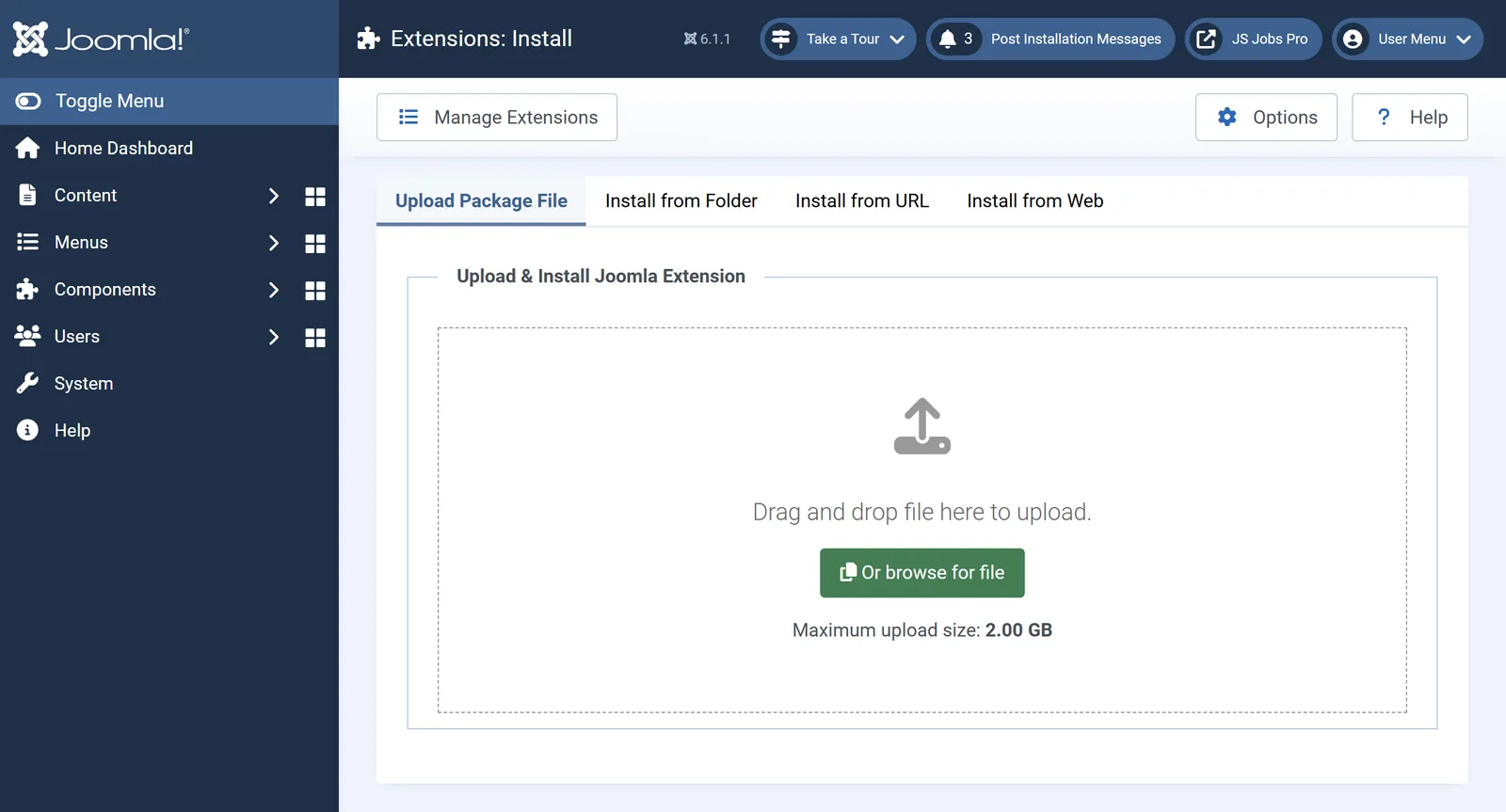
In your Joomla administrator, go to System›Install›Extensions. On the Upload Package File tab, drop the zip in the box or click Or browse for file.

Joomla’s Extensions: Install screen. The same screen in Joomla 4, 5 and 6. Run the setup
When the upload finishes, JS Support Ticket opens its setup: general settings, ticket settings and feedback settings. Every answer can be changed later in the help desk’s configuration.
Add the help desk to your menu
In Menus›Main Menu›Add New Menu Item, choose a JS Support Ticket menu item type, such as User Control Panel, Create Ticket or My Tickets, and save. Customers can now open tickets on your site.
Next
Need every add-on, from email piping to time tracking? Upgrade to Pro on the same site. Your tickets and settings stay.