Guide · JS Support Ticket
Update JS Support Ticket to a new version
New versions install from the help desk’s own admin, with the activation key you used to upgrade. No download, no FTP.
Before you start
- An active JS Support Ticket Pro plan. Each plan includes a year of new versions.
- A fresh backup of your site.
Open the Pro Installer
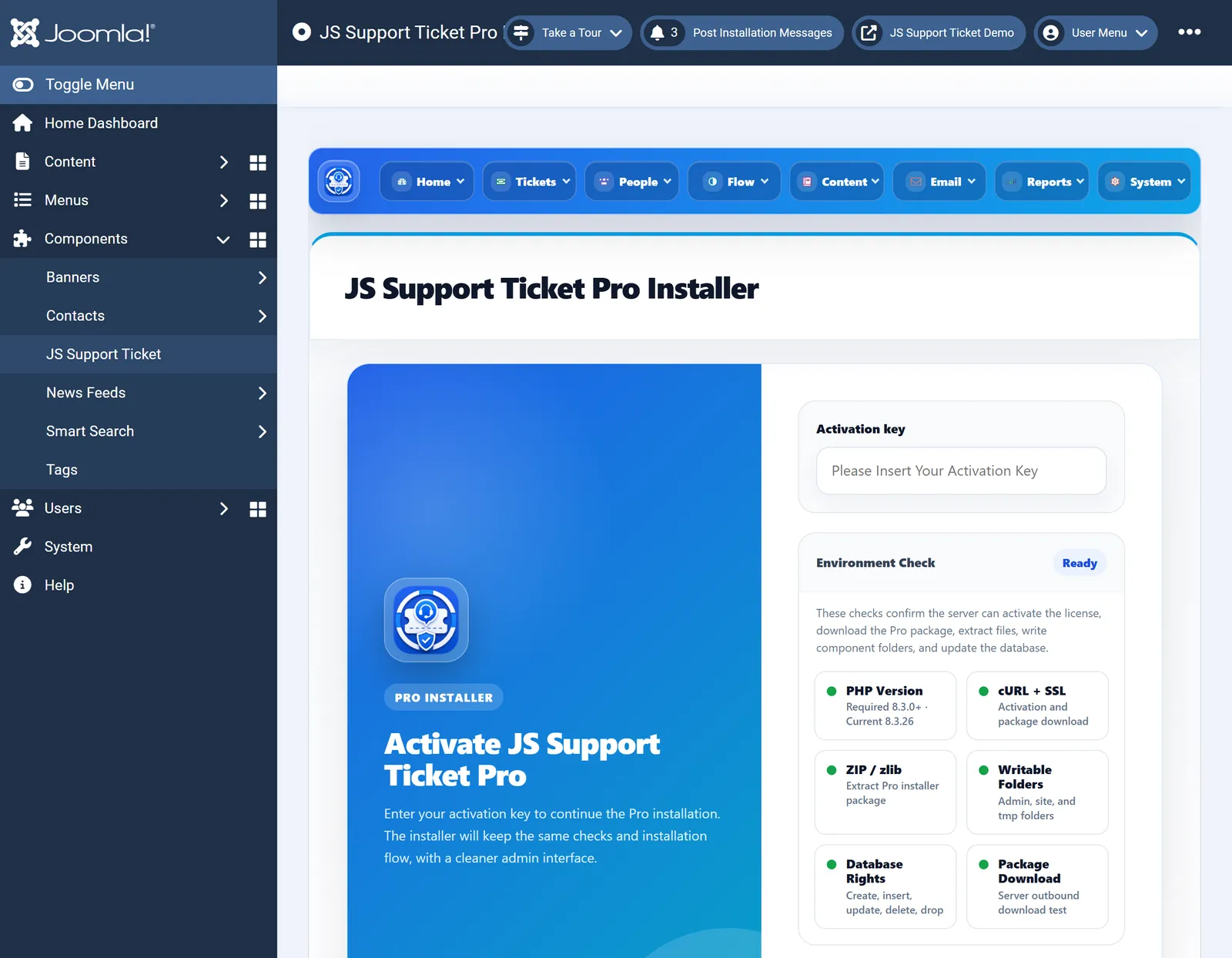
Go to Components›JS Support Ticket›Home›Update.

The same screen you used to upgrade to Pro. Paste your key
Paste your activation key and continue. The installer lists the versions your plan covers.
Install the newest version
Choose the newest version and install it. It goes over the version you have. Keep the window open until it finishes. Your tickets and settings stay.
Good to know
- Your plan has ended. JS Support Ticket keeps working on your site; only new versions and support stop until you renew.
- Moving to a new domain? Ask us to move your key before you update on the new site.