Install JS Accessibility Fixer
Upload one zip, press Scan Now, and see your site’s accessibility problems and score. AI suggestions are optional.
- A Joomla 5.4 or 6 site on PHP 8.1 or later, and an administrator login for it.
- Bought Pro? You can install the Pro zip straight away, with or without the free version: see Upgrade to Pro.
Download the free zip
Download it from the JS Accessibility Fixer Free page. Keep the file zipped.
Upload it in Joomla
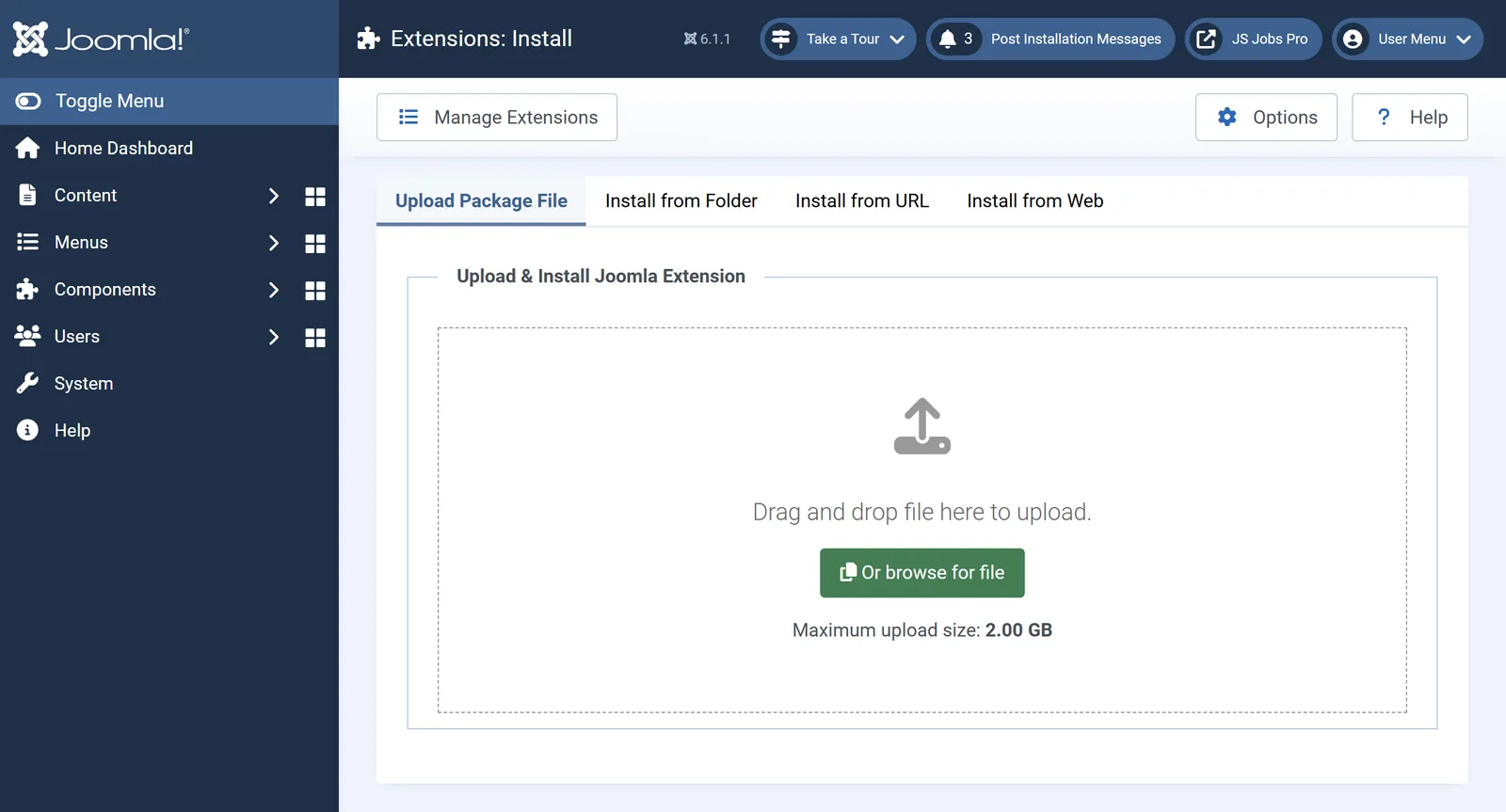
Go to System›Install›Extensions and upload the zip. It installs the component and a content plugin, and turns the plugin on.

Joomla’s Extensions: Install screen. Run the first scan
Open Components›JS Accessibility Fixer›Dashboard and press Scan Now. The score and the problems appear.
Optional: add your AI key
Open Options›AI. Choose Claude, Gemini or OpenAI, paste your API key and set a monthly spend cap. Scanning works without this.
Review the first fixes
In the Fix Queue, press Suggest Fixes, check each suggestion, then Accept or Reject it.
If something goes wrong
- The installer refuses the zip. JS Accessibility Fixer needs PHP 8.1 or later and Joomla 5.4 or later; the installer says which one is missing.
Next
Want fixes for headings, tables and form labels, nightly suggestions and an accessibility statement? Upgrade to Pro on the same site. Everything you have is kept.